


<< Go to Project Guide
ERP.Settings
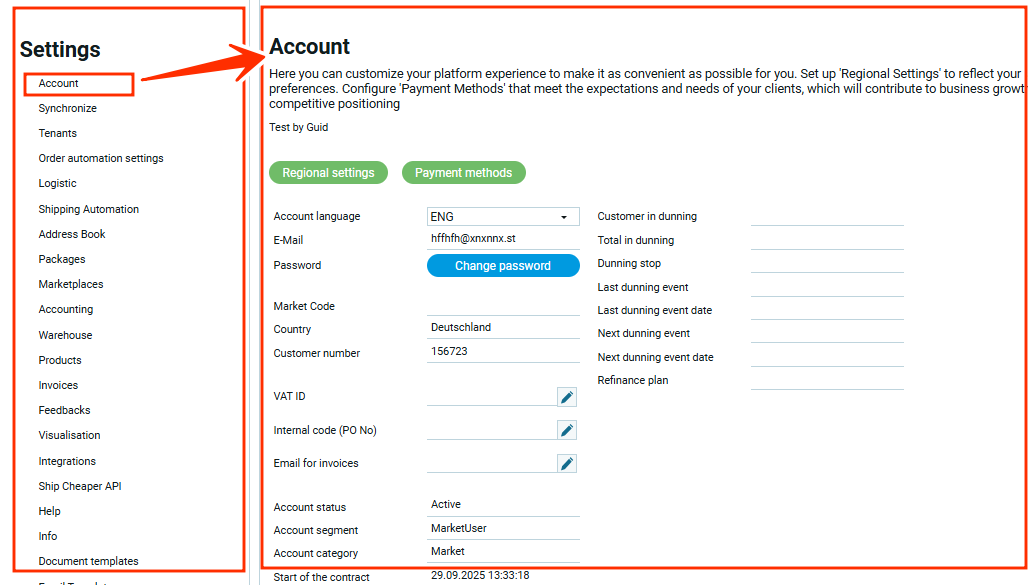
The settings workspace is structured into two distinct sections:
- List of configurable modules;
- Workspace with settings for an individual module;
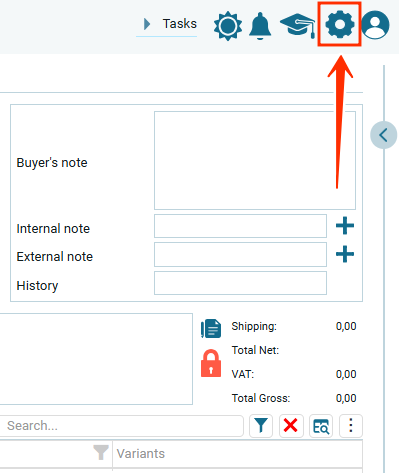
To access the settings, simply click on the “Settings” icon in the upper right corner of the window
List of Settings
SET.OAS Order automation settings
SET.SA Shipping automation
SET.AD Address Book
SET.INV Invoices
SET.FE Feedbacks
SET.VI Visualisation
SET.IN Integrations
SET.SP Ship Cheaper API
SET.HP Help
SET.INF Info